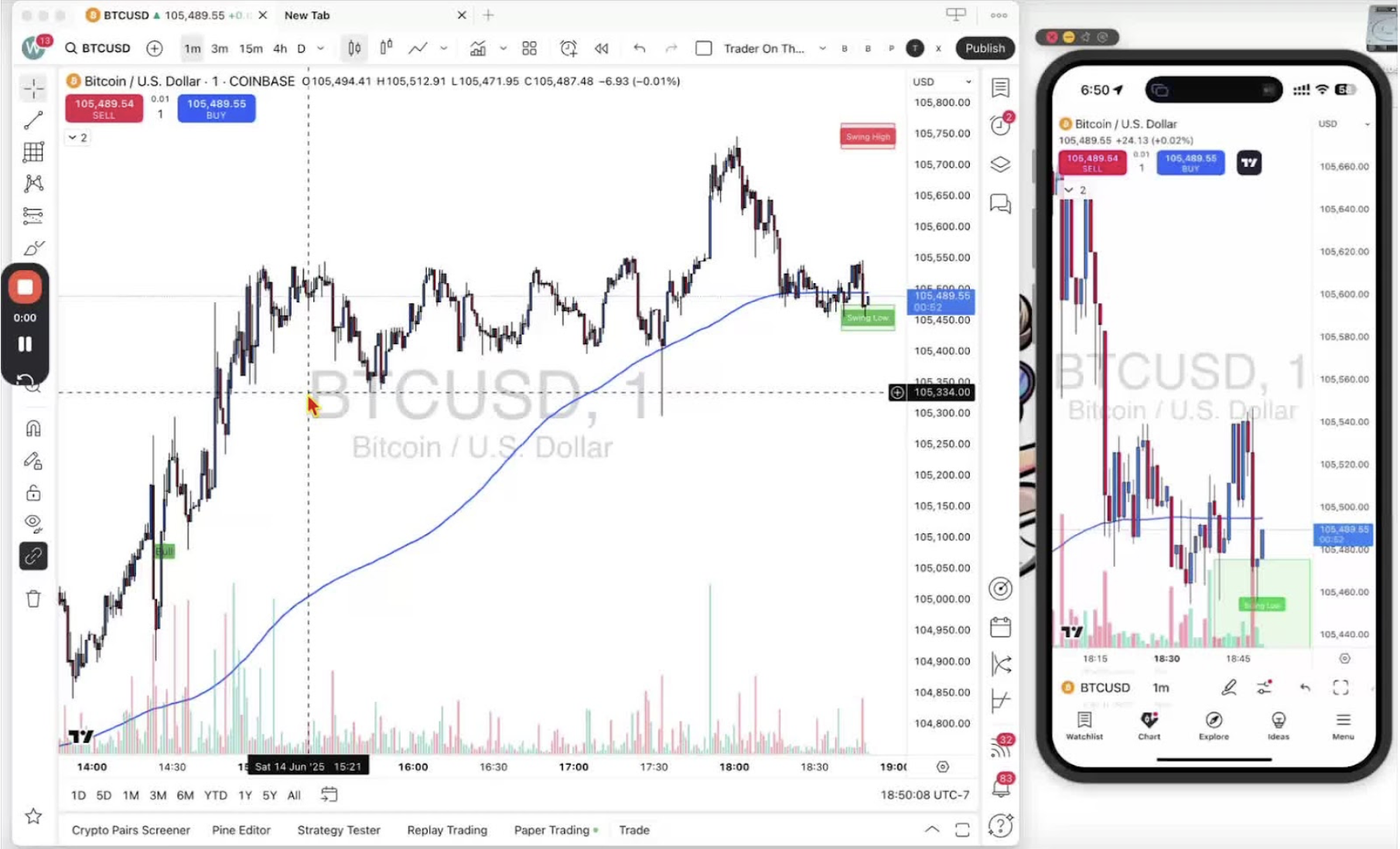
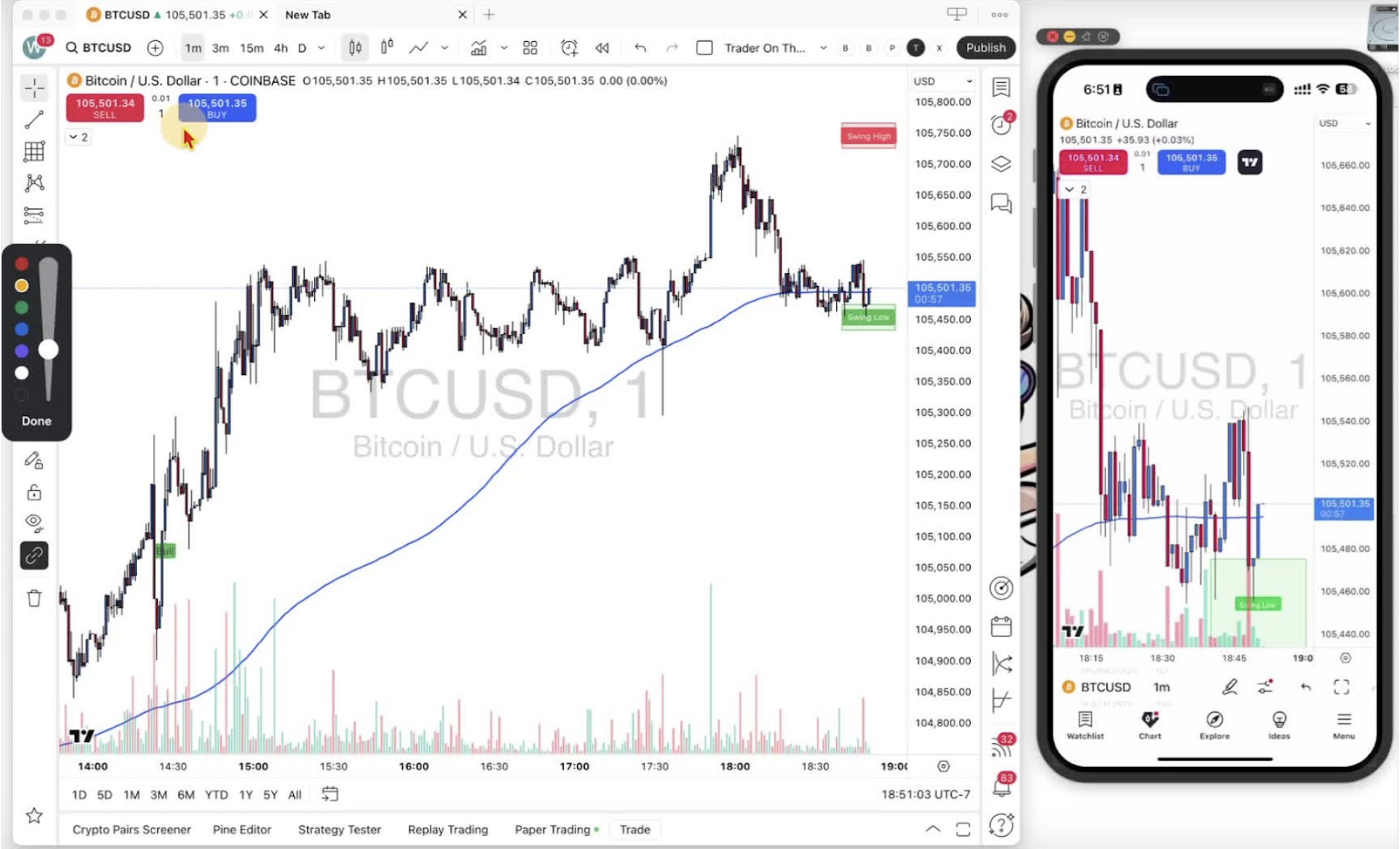
The buy and sell buttons sit in the top left of the chart on desktop and mobile. Blue buy opens a long position (you expect price to rise). Red sell opens a short position (you expect price to fall). If the buttons are not showing, go back to Step 10.
Locating the Trading Buttons on Desktop 0:09
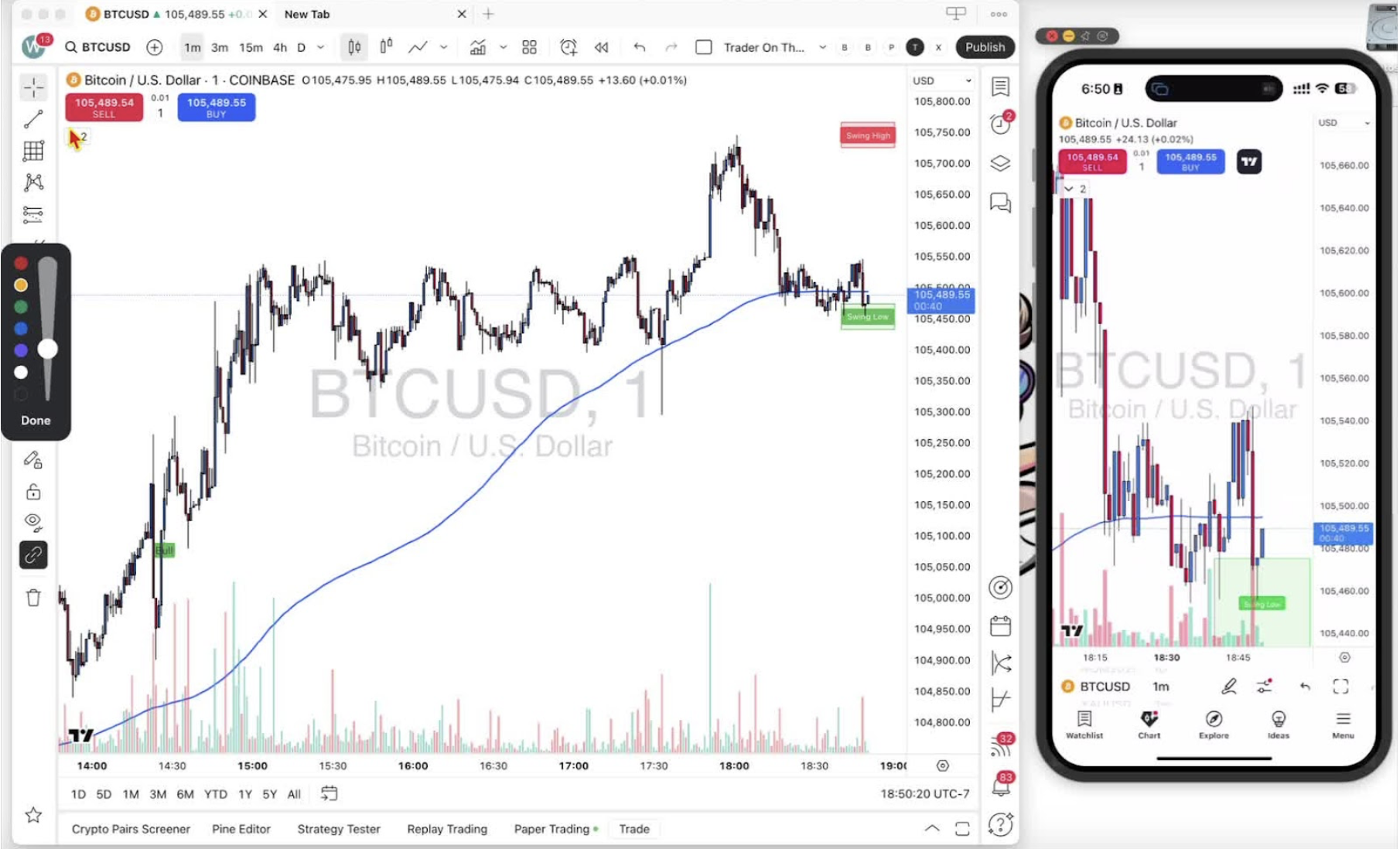
- Buy and sell are in the top left corner of the desktop chart.
- If they are missing, enable them as shown in Step 10.
Locating the Trading Buttons on Mobile 0:17
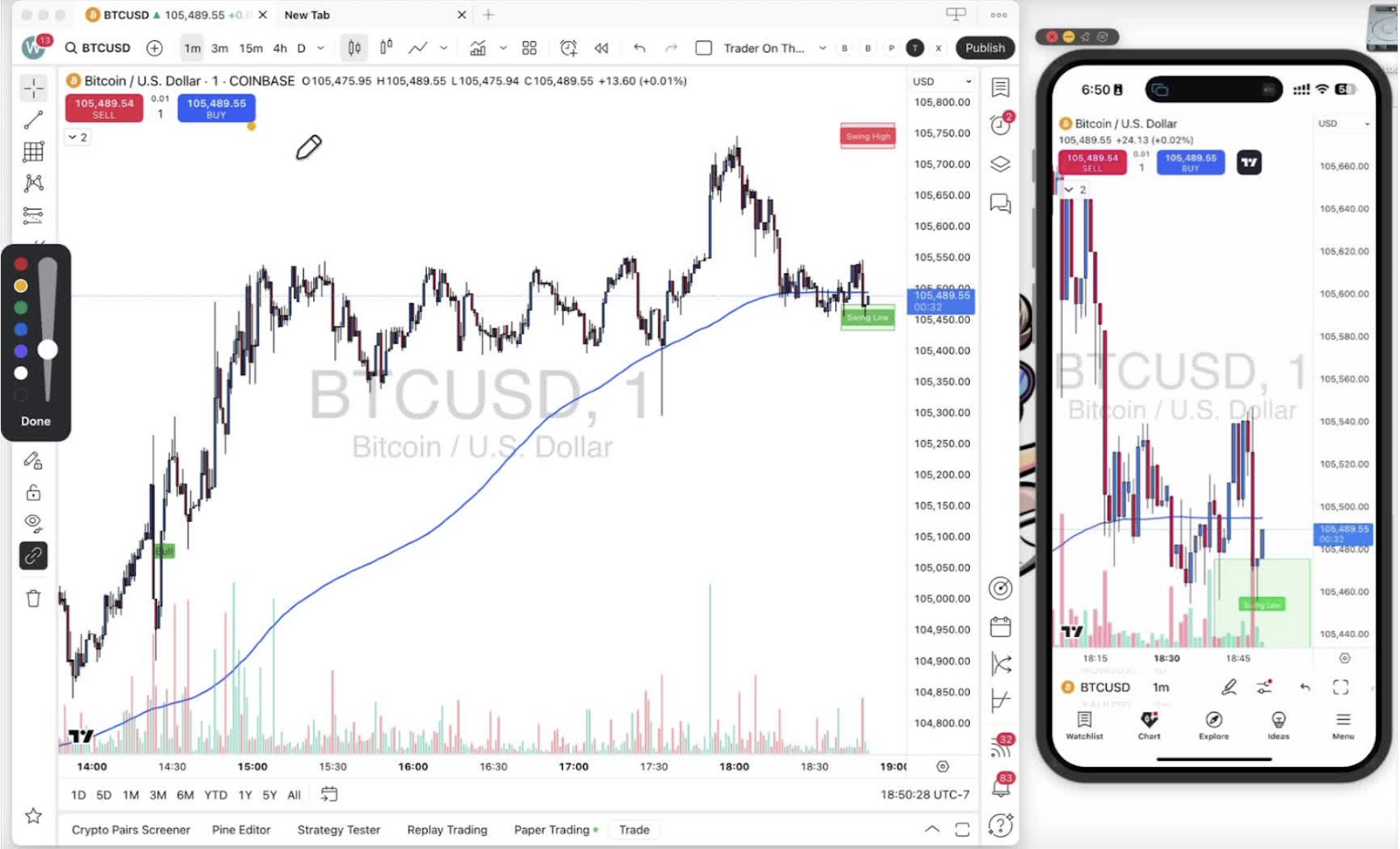
- Same layout on mobile: blue buy and red sell in the top left corner.
Executing a Buy Position 0:30
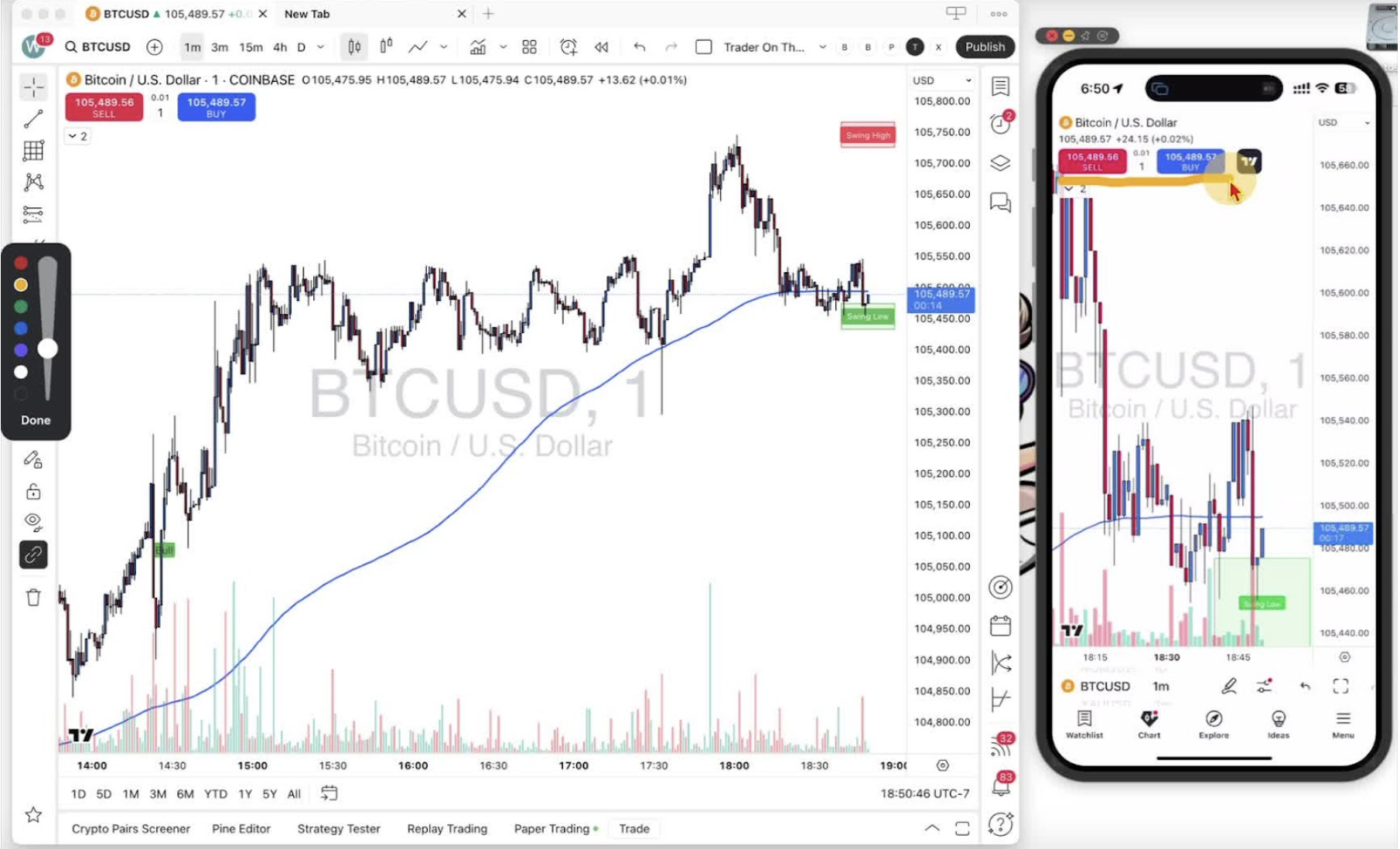
- Click the blue buy button to open a long position. You profit if price goes up.
Executing a Sell Position 0:43
- Click the red sell button to open a short position. You profit if price goes down.
Impact on Profit and Loss (P&L) 1:11
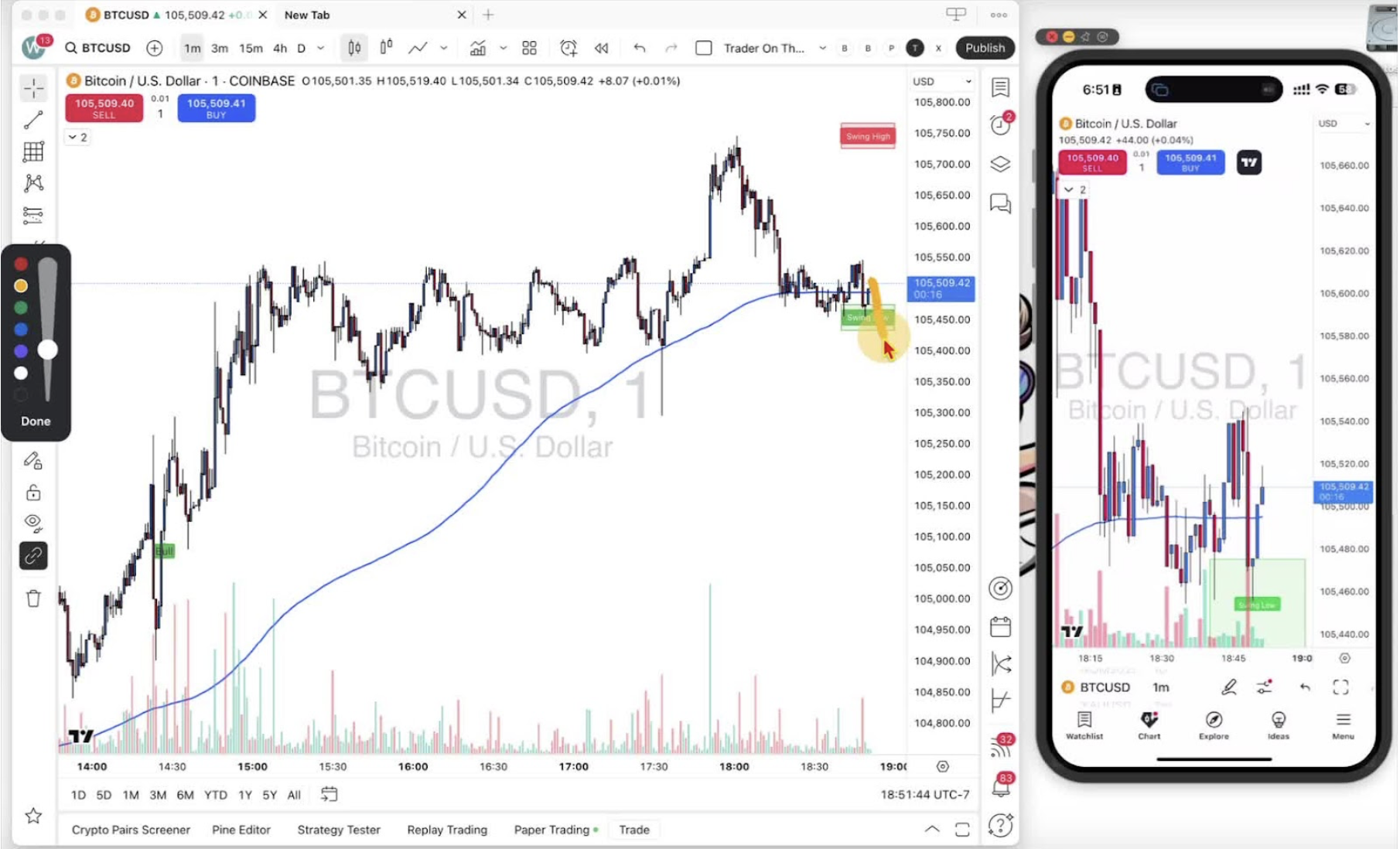
- The open P&L moves with price in the direction you chose. Decide your bias before you click.