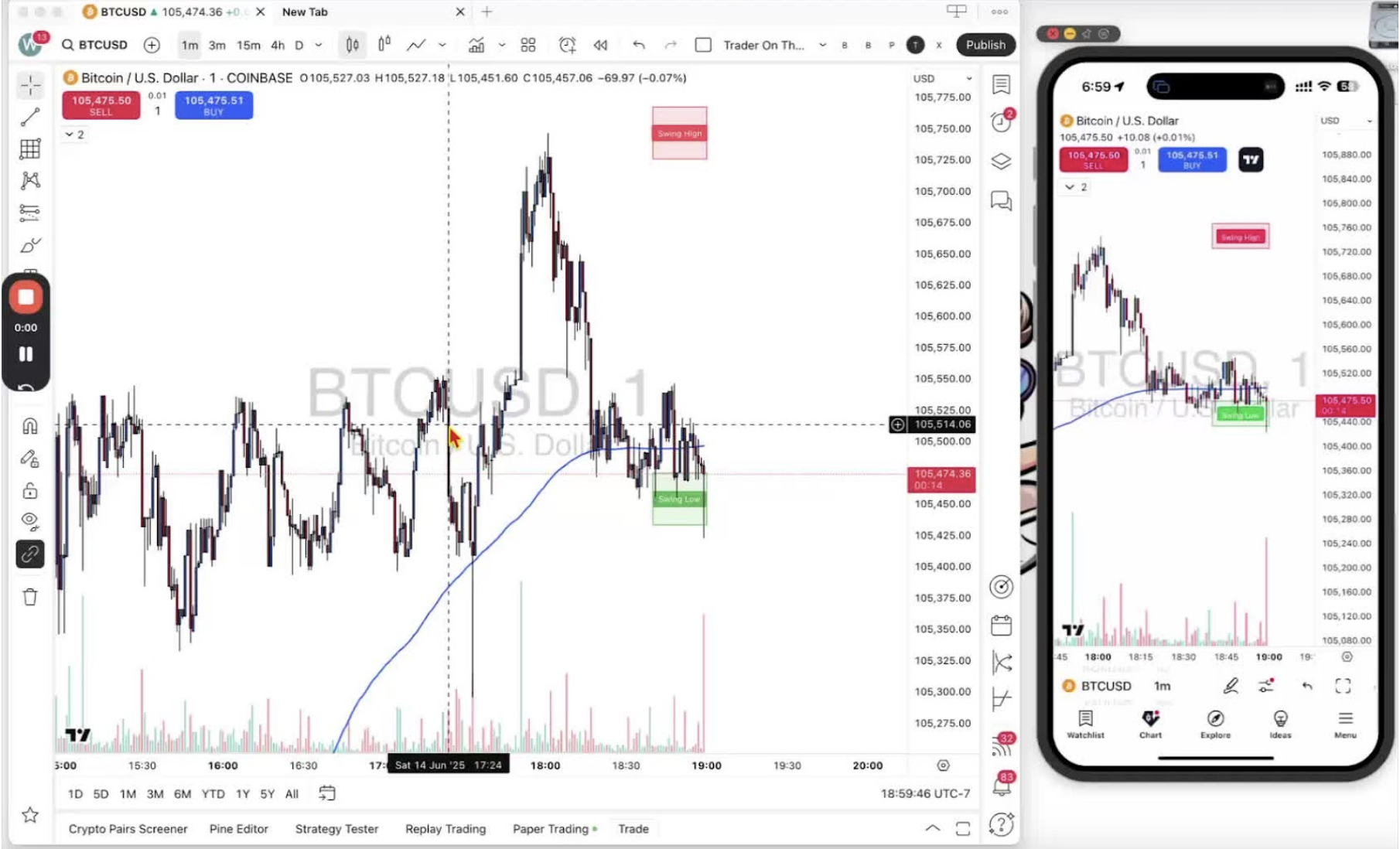
Change your position size before you execute a trade, on desktop and mobile. Position size is the amount of risk you take on a trade, especially with leverage. Practice different sizes in your paper trading account. Educational purposes only, not financial advice.
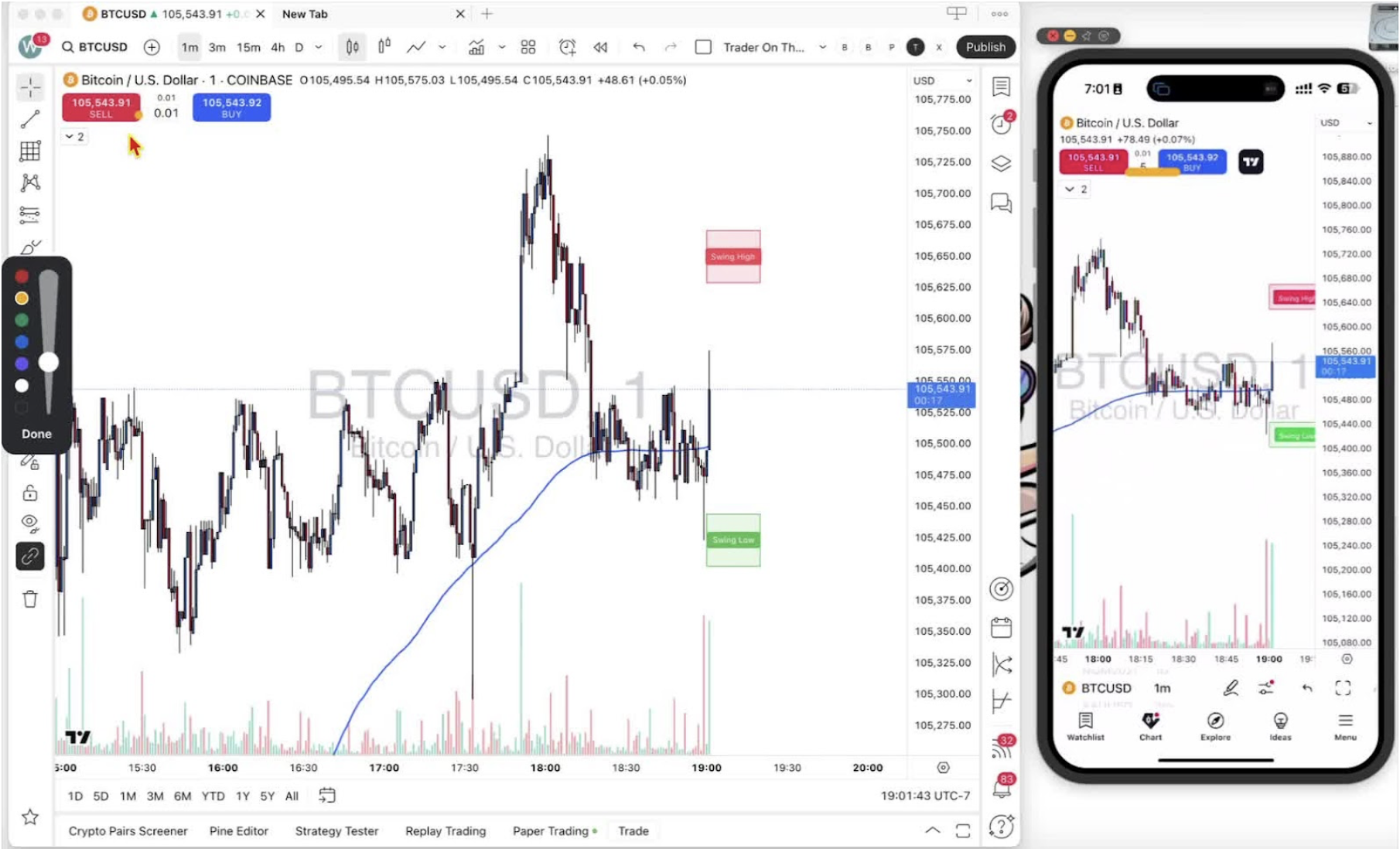
Locating the Position Size Box 0:41
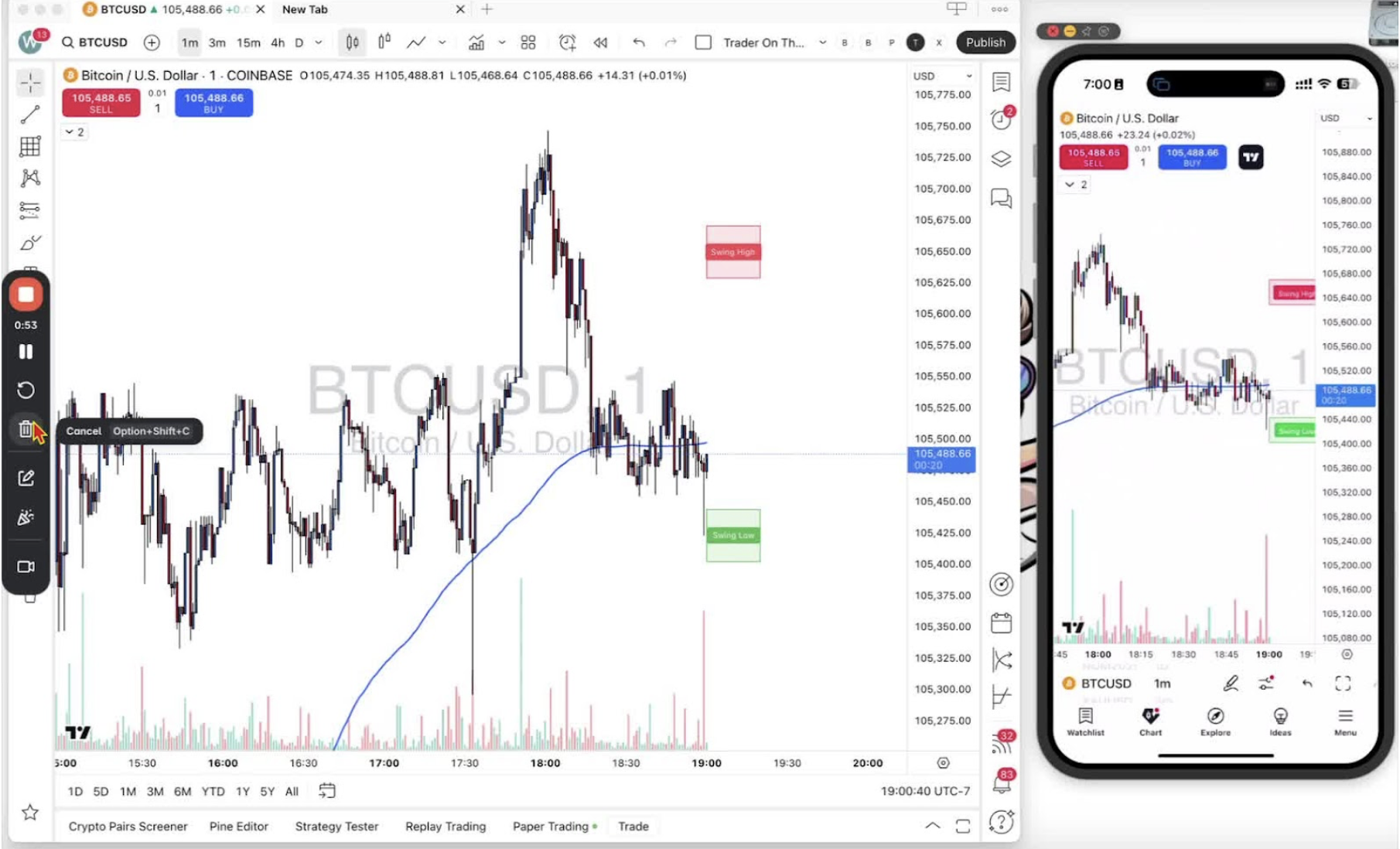
- Desktop: between the blue ‘buy long’ and red ‘sell short’ buttons.
- Mobile: same spot.
Changing Position Size on Desktop 0:47
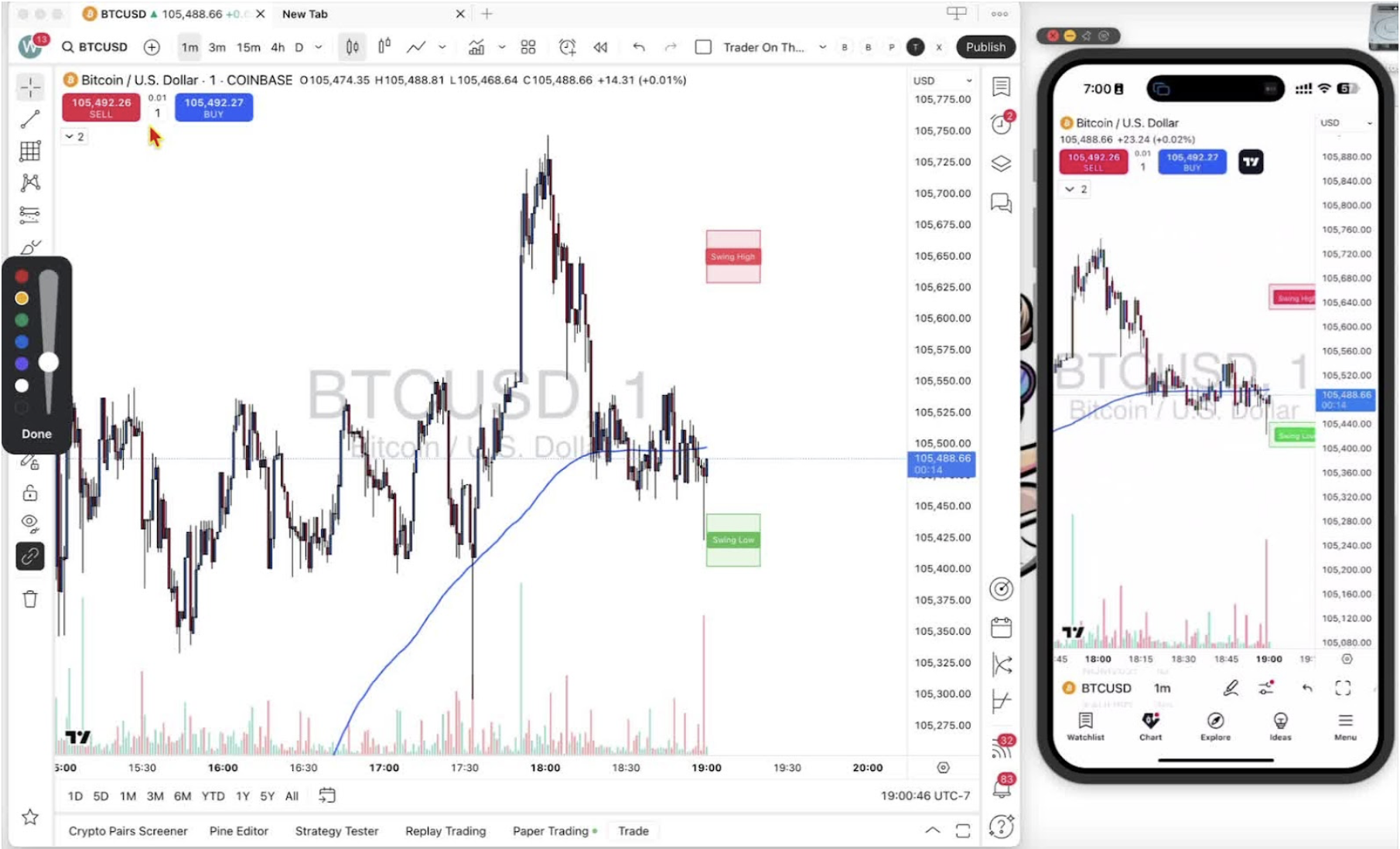
- Change the quantity, for example to 0.01 on a forex pair.
- The box shows the new value.
Changing Position Size on Mobile 1:02
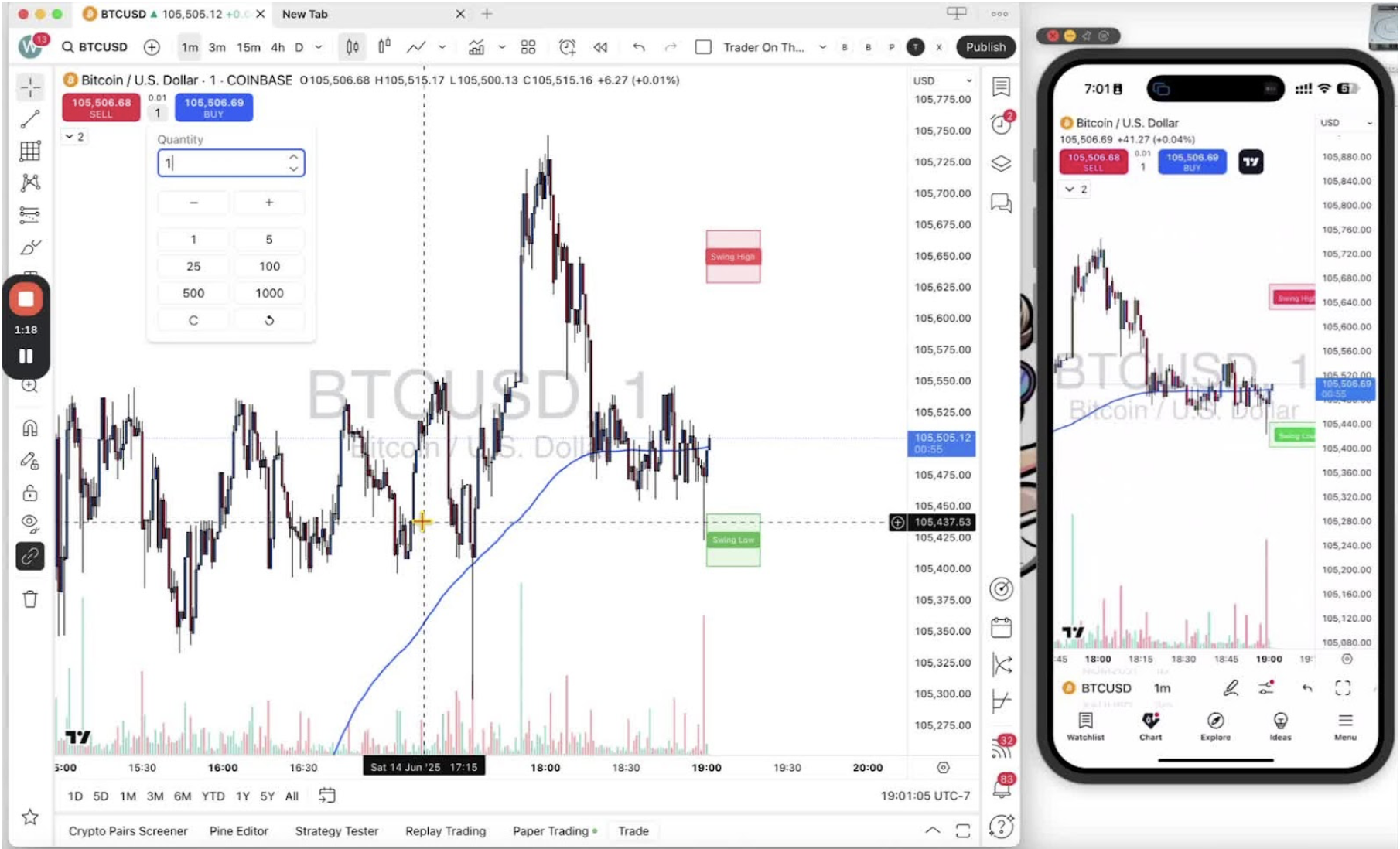
- Tap the position size box to open the keypad and enter a size.
Before You Start 1:36
- Complete Step 10 first or the position size box will not appear.