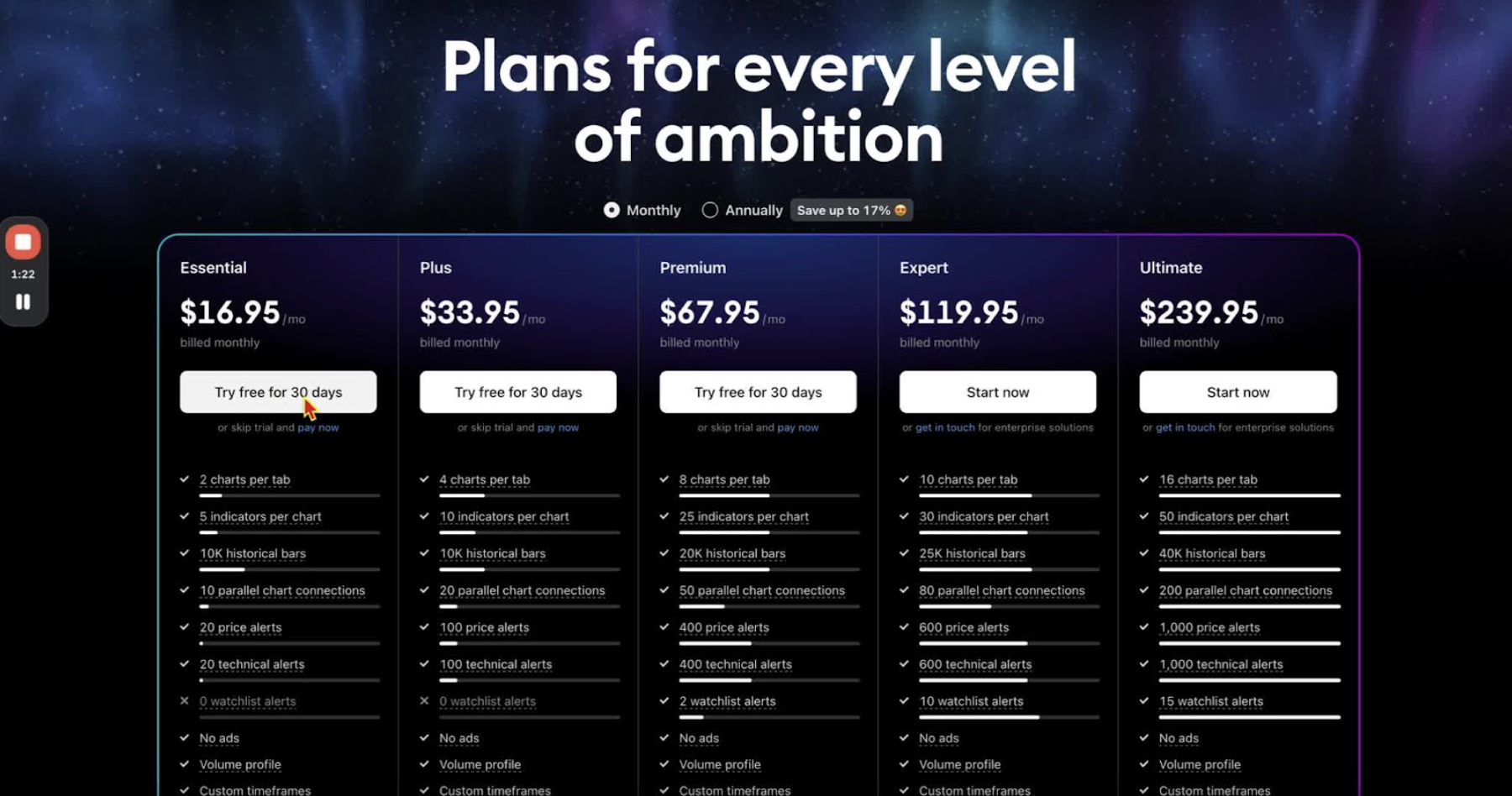
Create a TradingView account and add the CME futures market data package. The Essential plan is $14/month billed annually or $16.95/month billed monthly, with a 30-day free trial. CME Group futures data (e-mini included) is $7/month on top. Annual billing is cheaper if you plan to keep the account.
Access TradingView 0:13
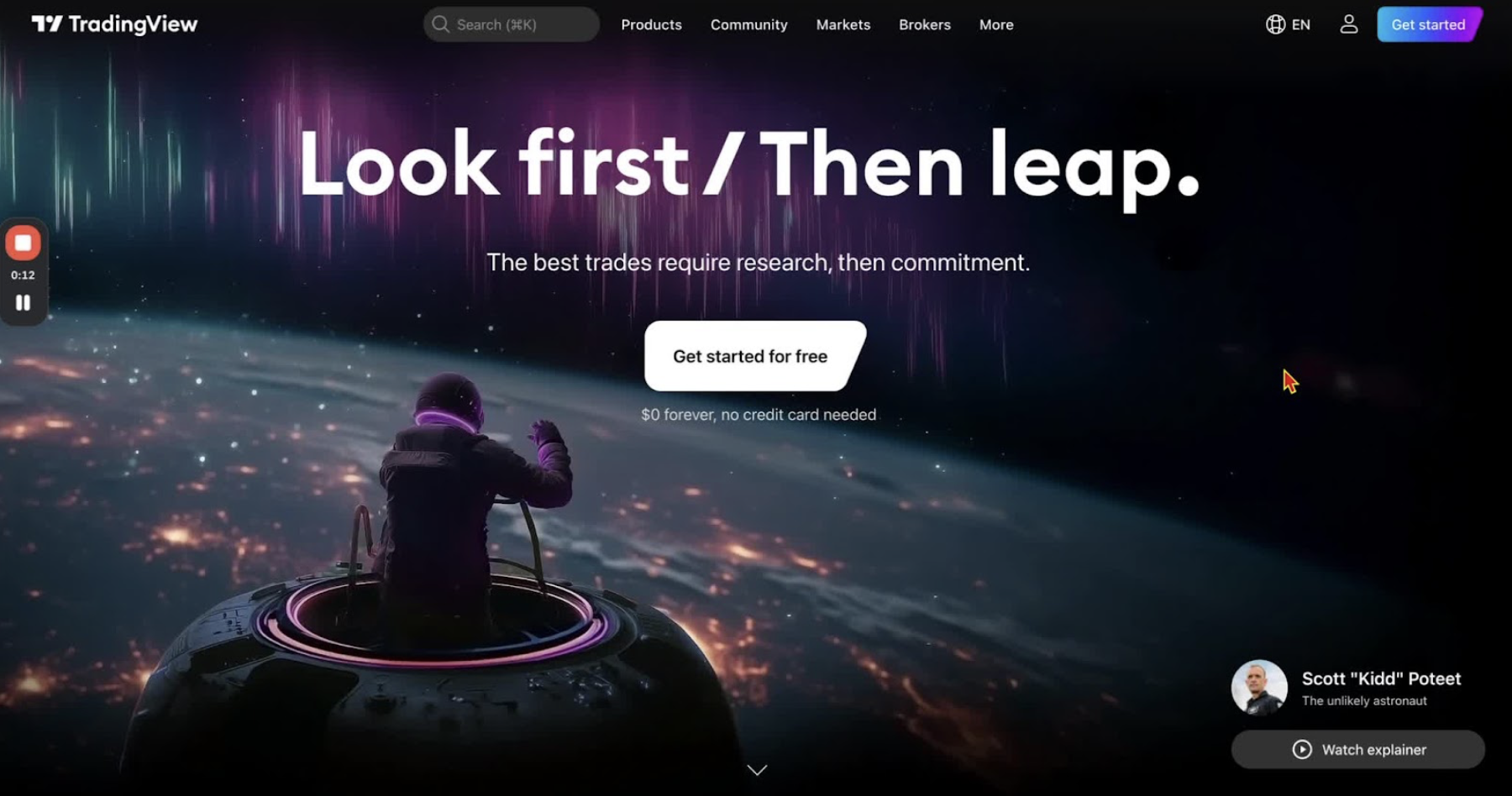
- Open the TradingView site from the provided link.
Start the Registration Process 0:30
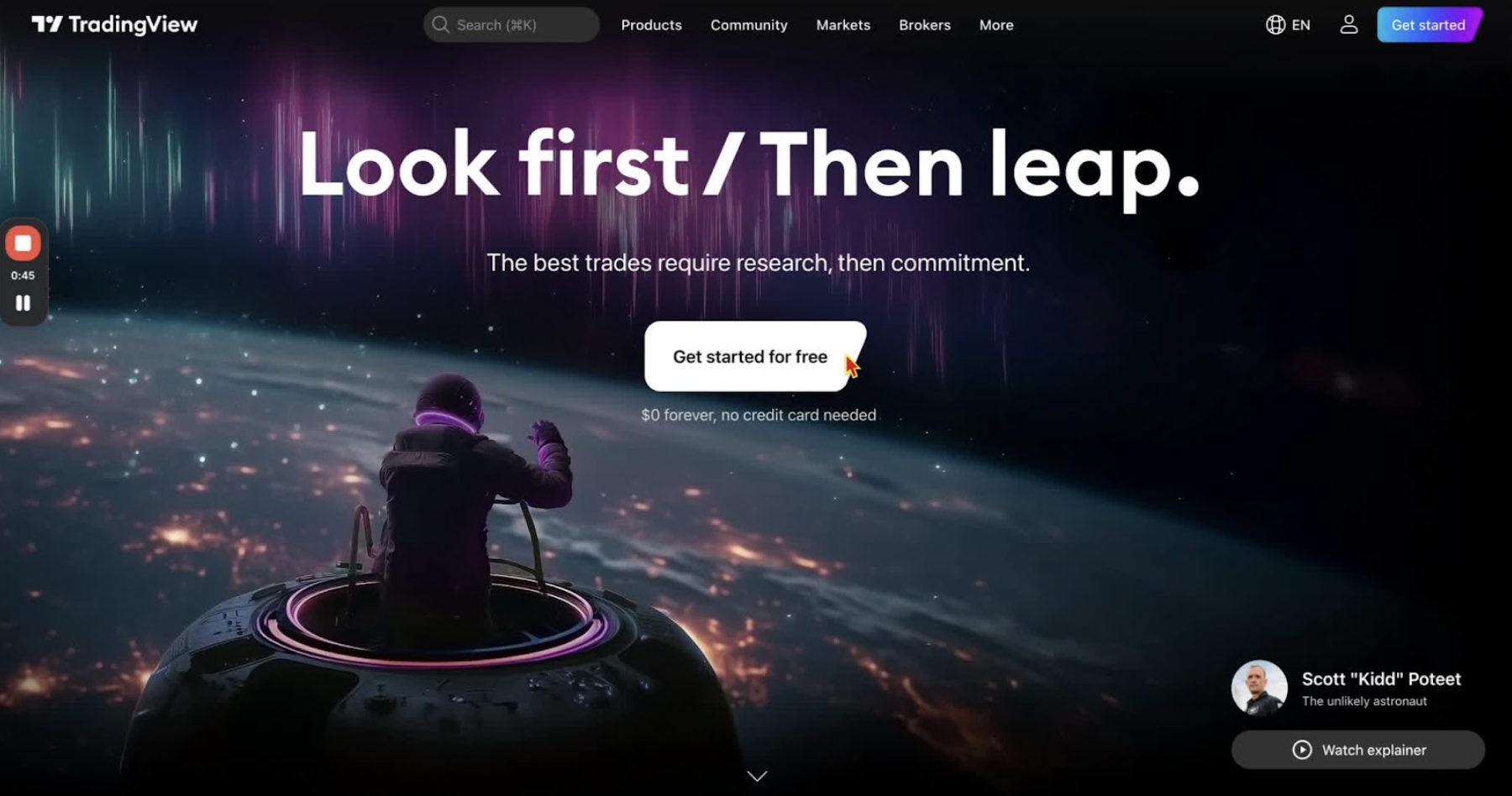
- Click ‘Get Started for Free’ at the top right.
Choose the Essential Package 0:43
- Select the Essential Package: $14/month billed annually (17% off) or $16.95/month billed monthly (16% off).
- Take the 30-day free trial if you want to test it first.
Create Your Account 1:20
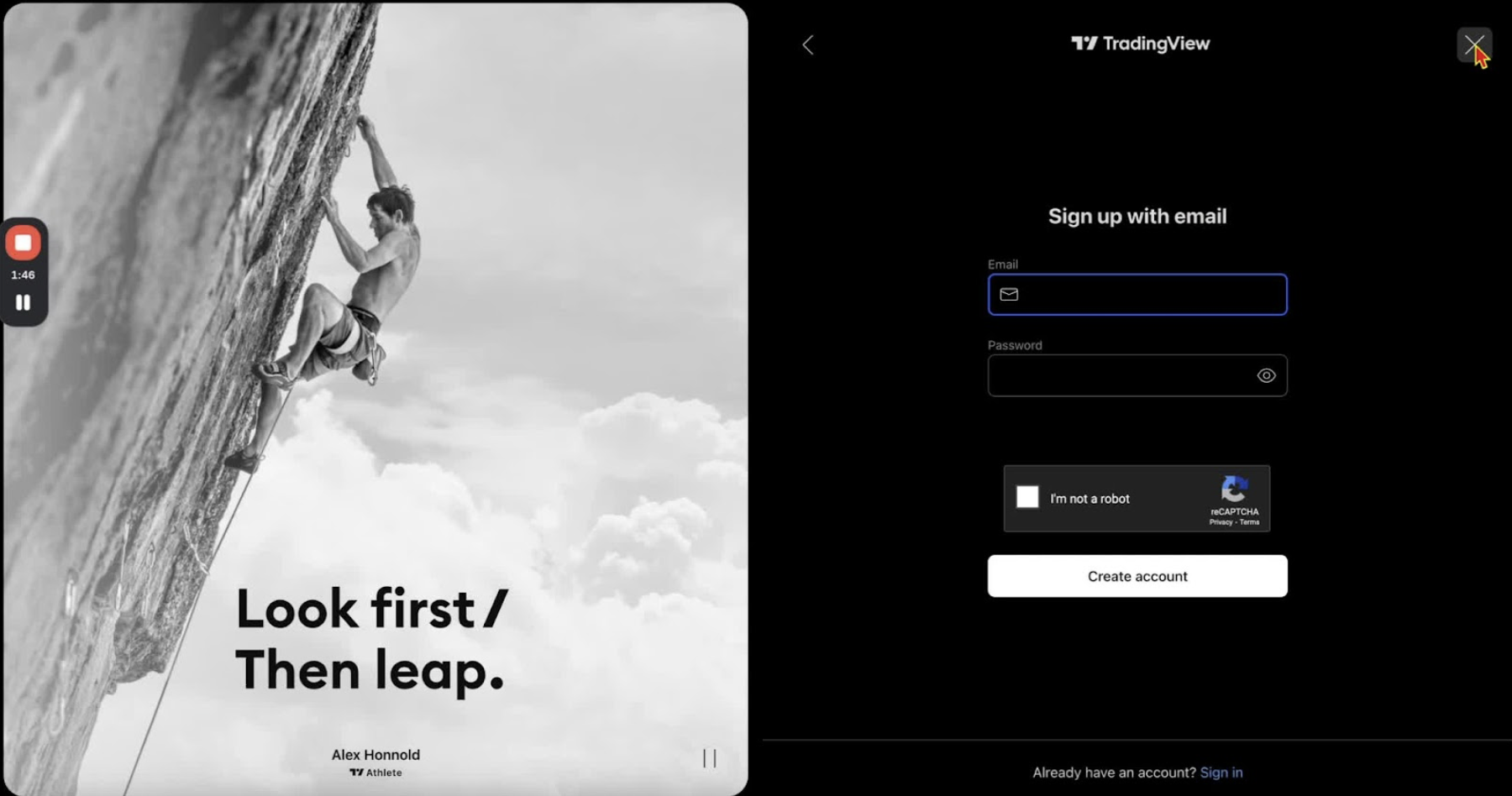
- Sign up with your email and password.
- Complete the CAPTCHA.
- Enter payment details to finish.
Sign In to TradingView 1:44
- Click the person icon in the top right corner.
- Select ‘Sign In’ and enter your credentials.
Access Market Data Package for Futures 2:02
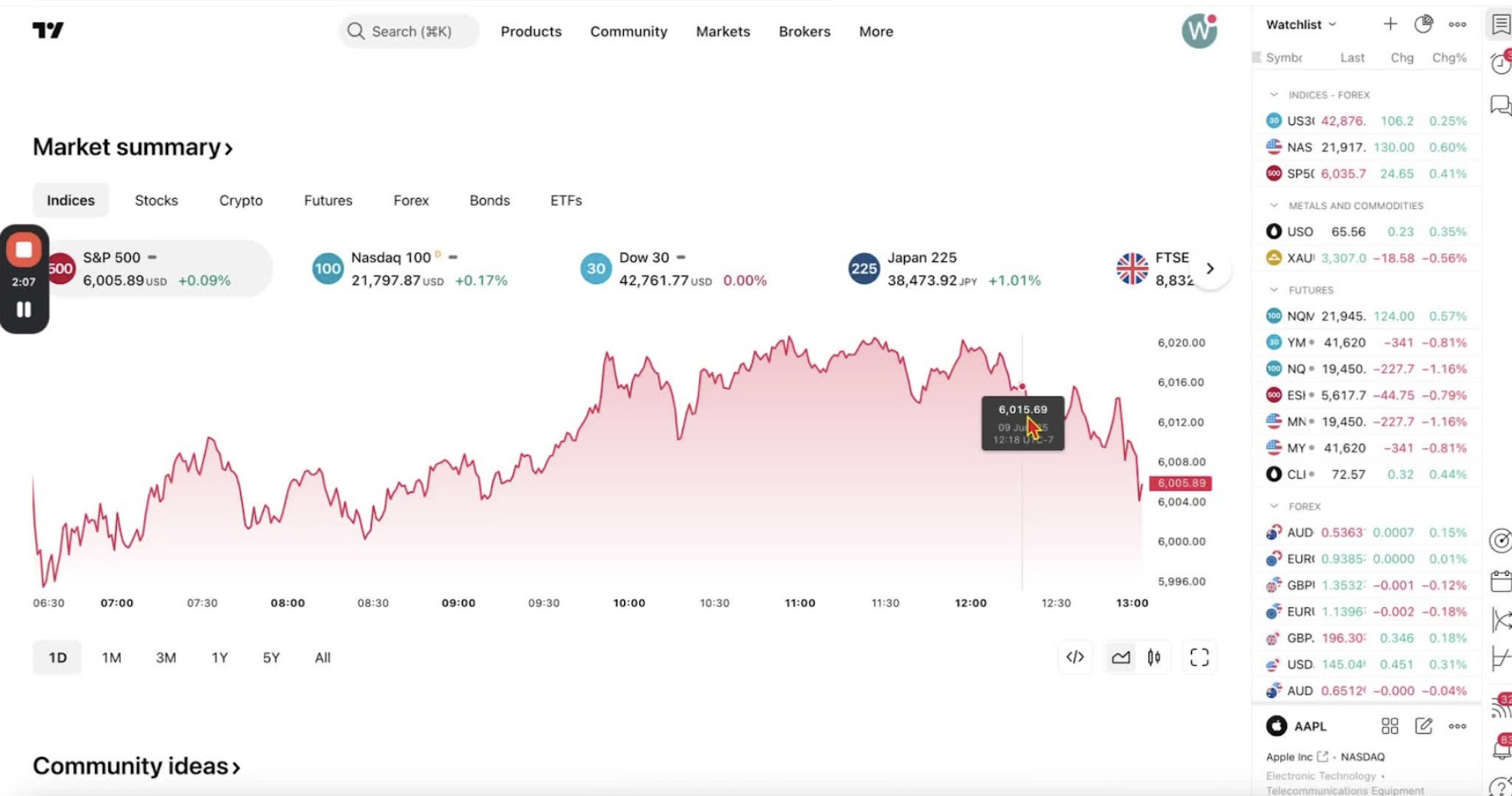
- Make sure you are signed in first.
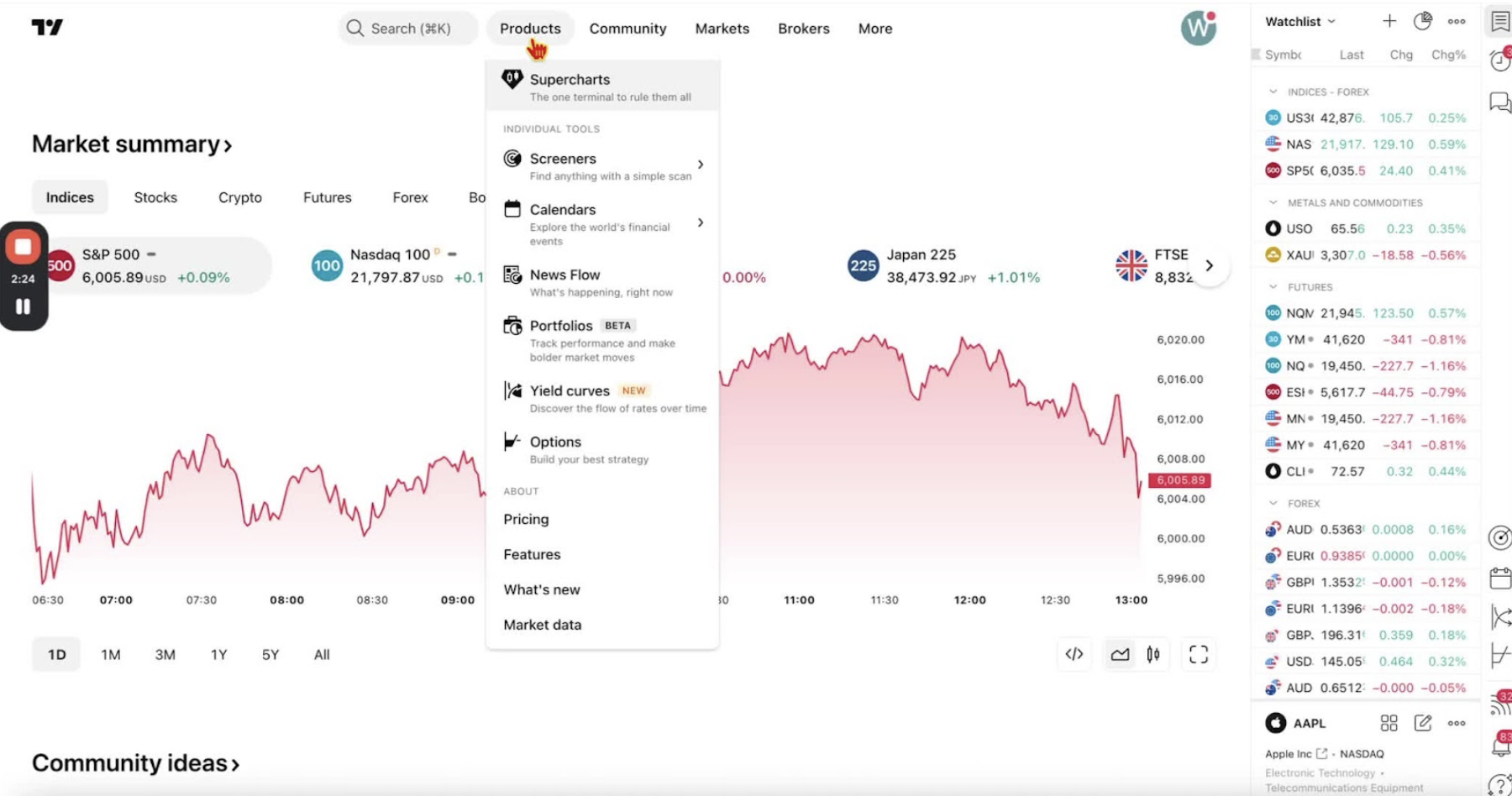
- Go to ‘Products’ and scroll down to ‘Market Data’.
Subscribe to CME Group Futures Data 2:16
- Scroll to ‘Futures’ and select ‘CME Group, e-mini included’.
- Click ‘Learn More’ to see the subscription options.
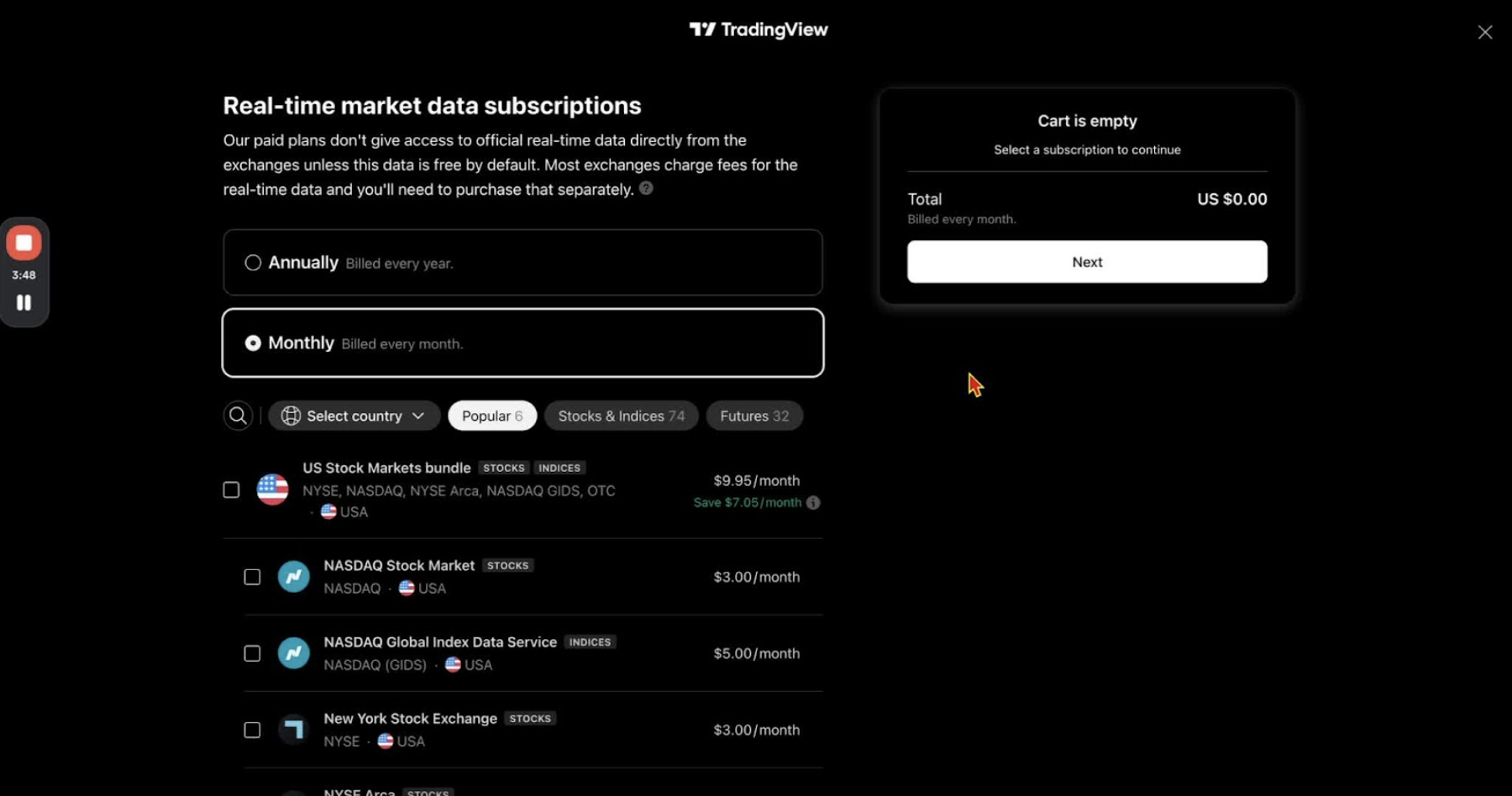
Complete Subscription Process 2:39
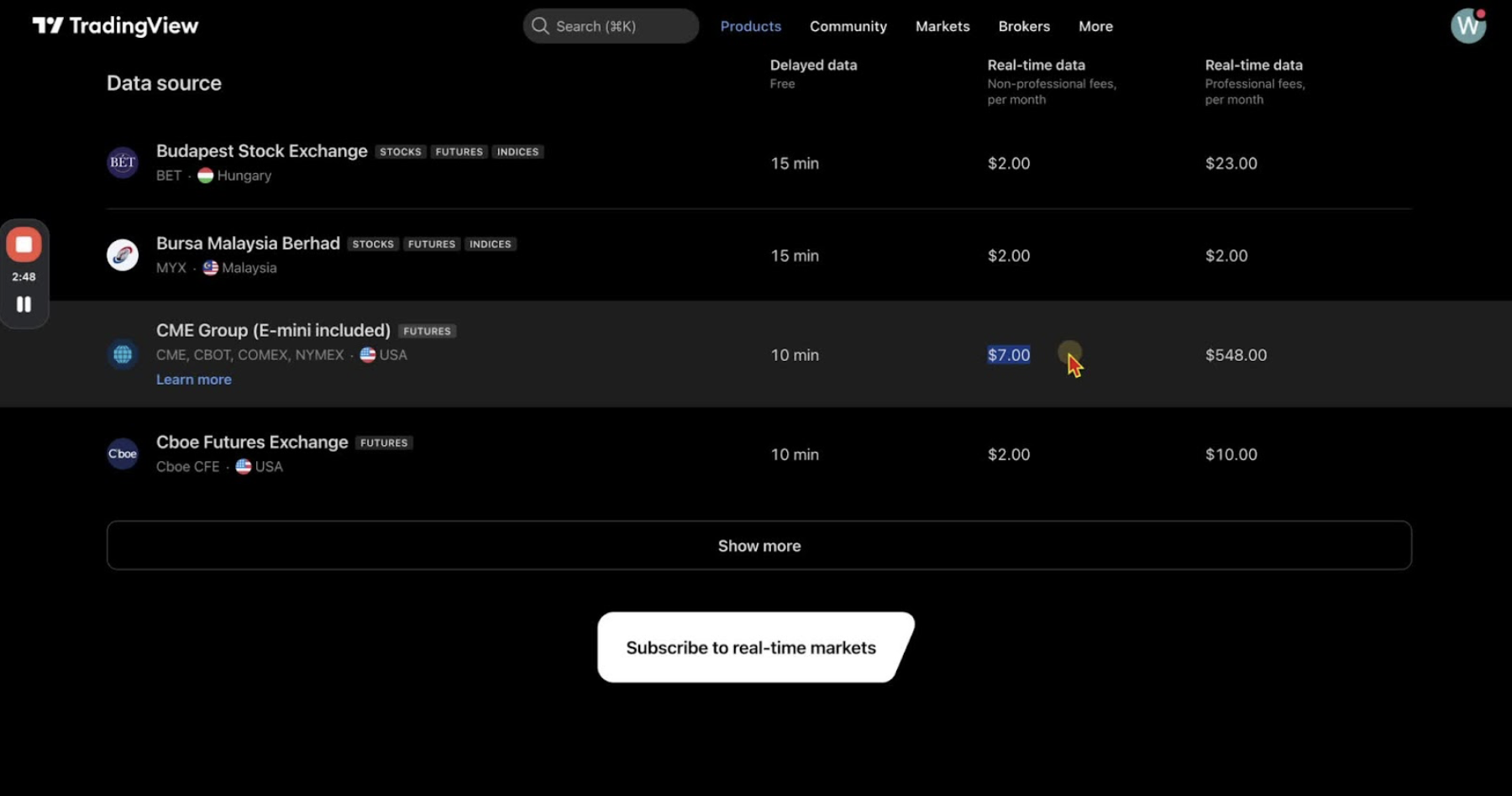
- Choose annual or monthly billing for the $7/month subscription.
- Select the CME Group option and click ‘Next’ to go to checkout.
Confirm Subscription 3:18
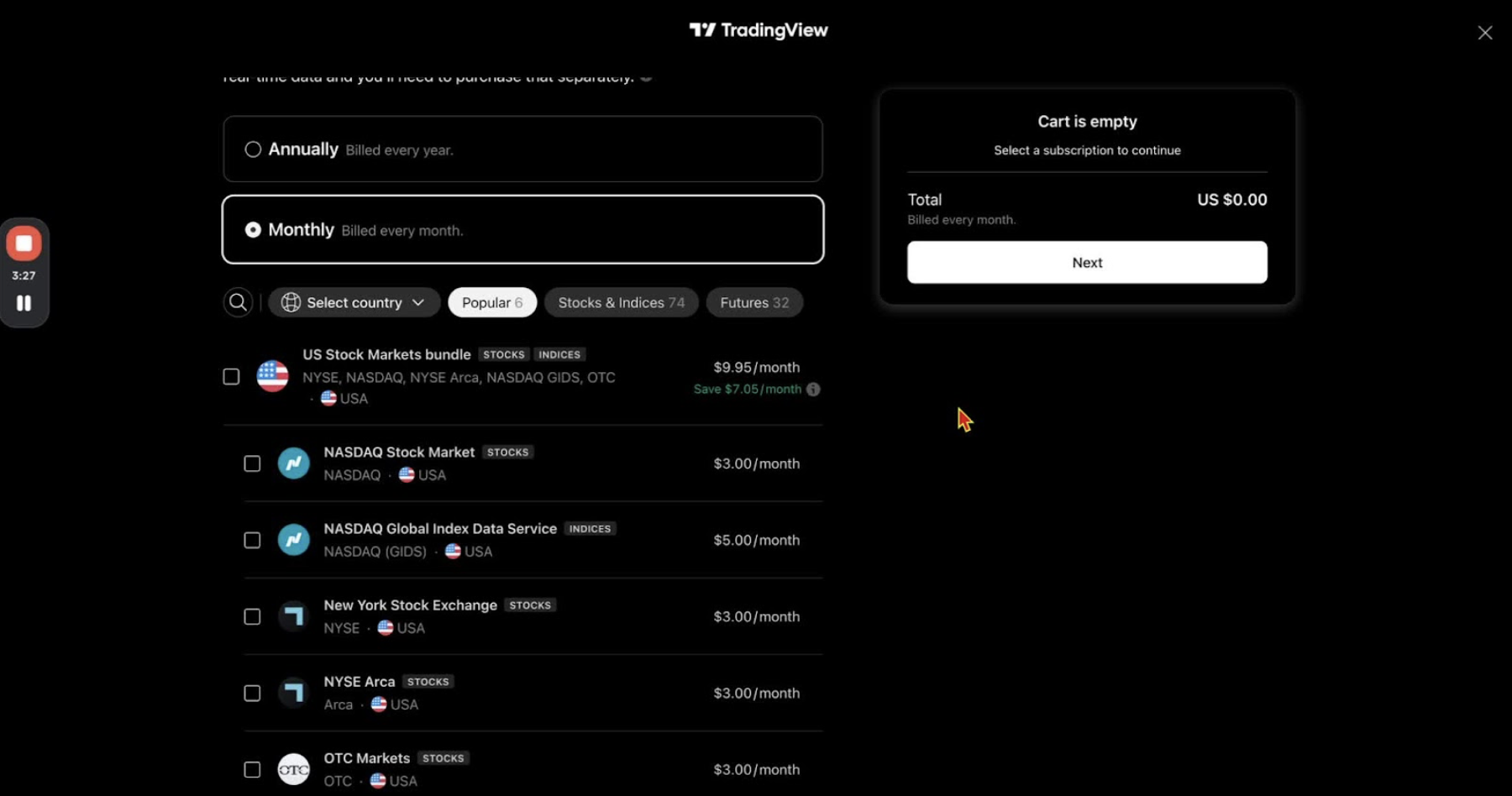
- Complete the purchase to activate real-time CME data on futures charts.
Verify Data Availability 3:39
- Open any futures chart (for example NQ) and check that real-time data is showing.